
How To Keep Lightroom Workspace Clean & Efficient
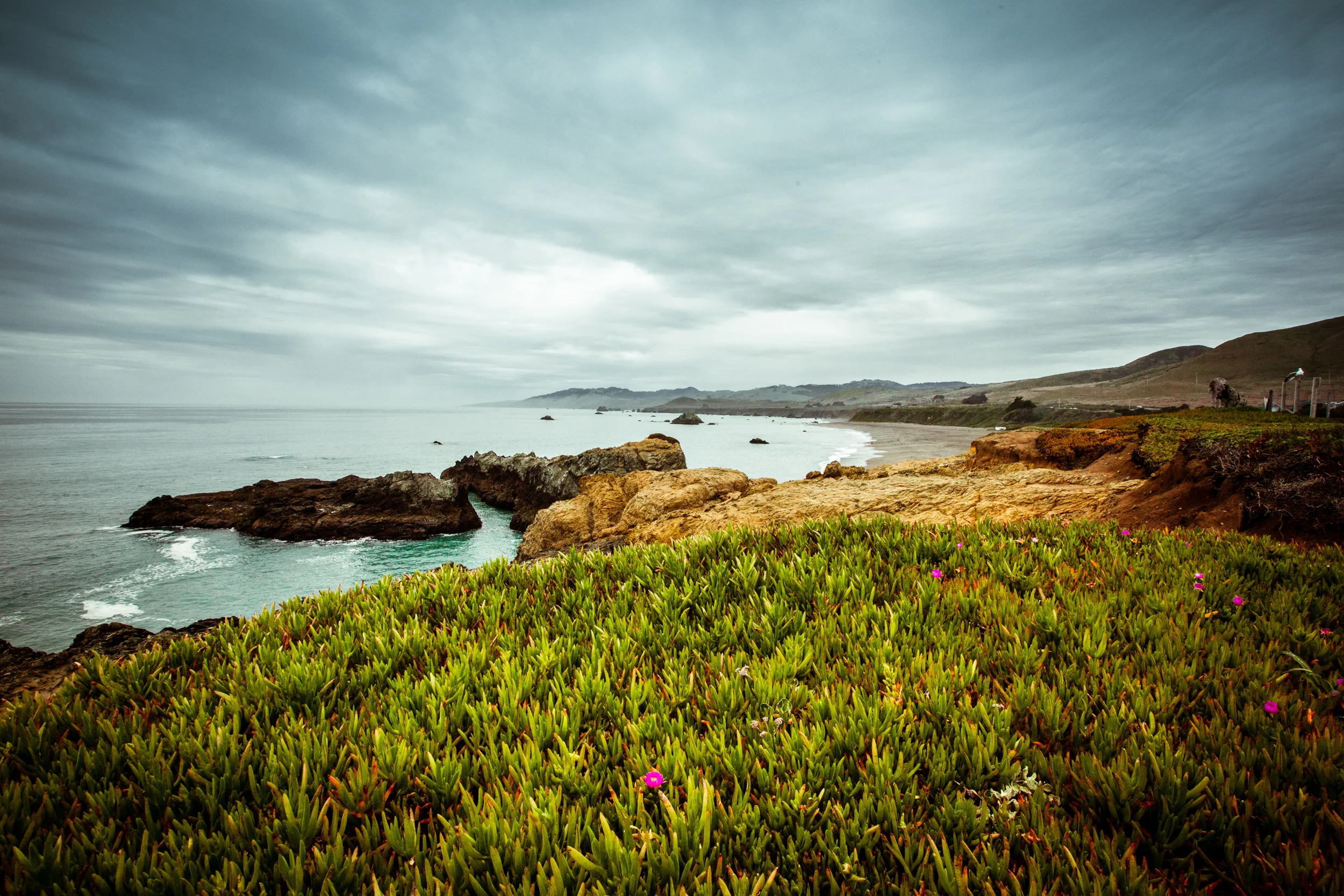
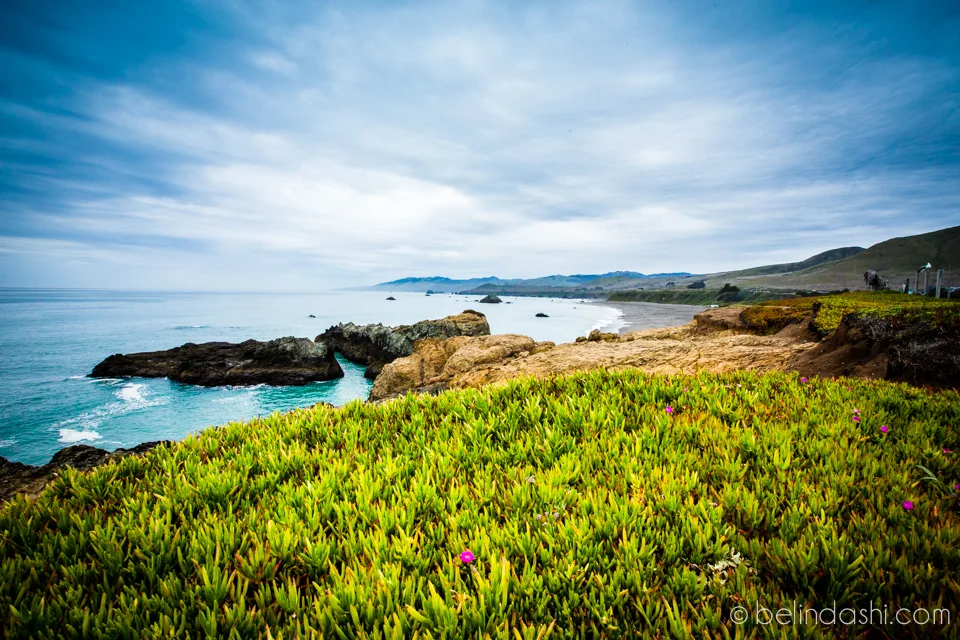
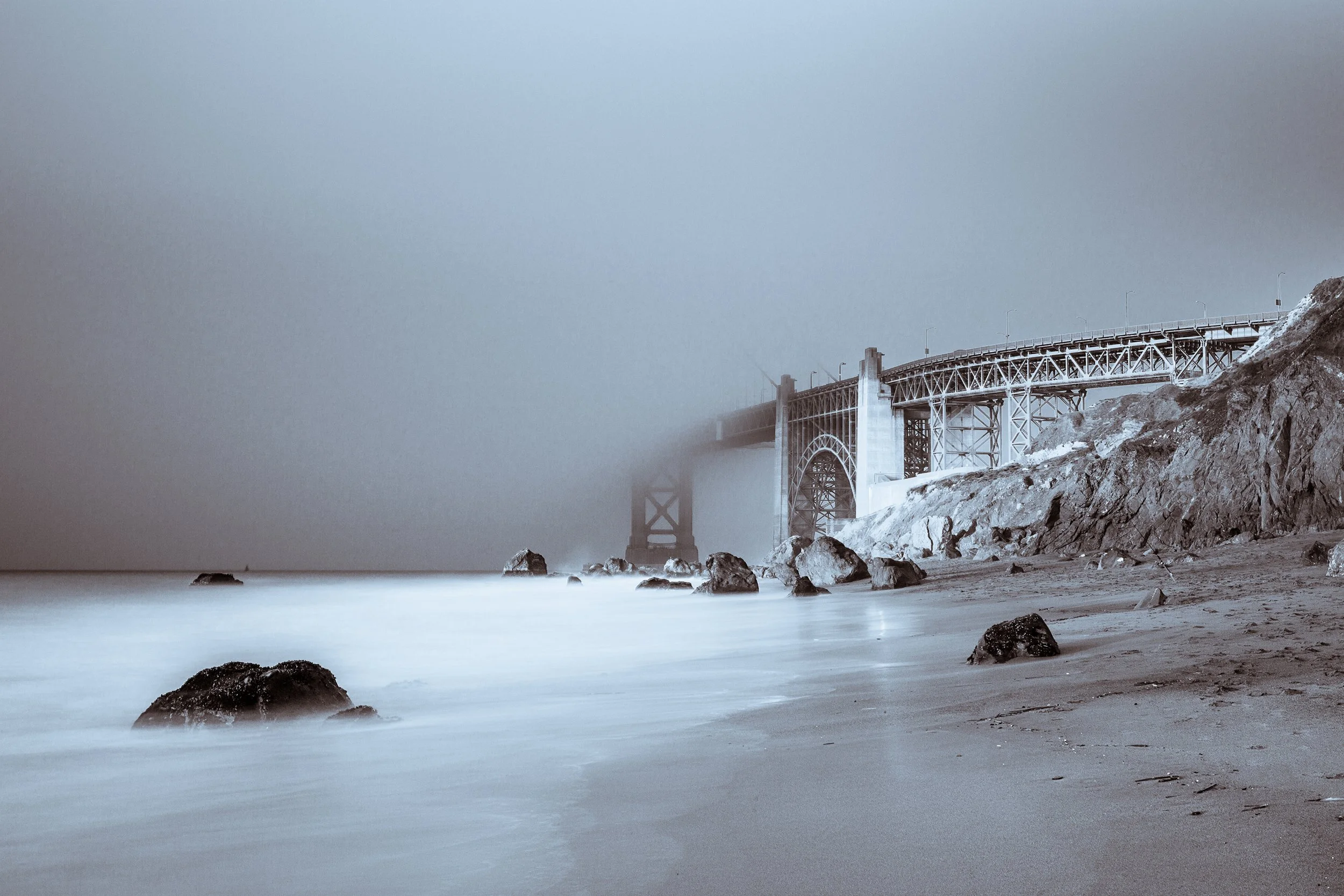
I was searching a few photos in my Lightroom today and found a photo I took at Tomales Bay (near Point Reyes) in the spring of this year. It was a straight shot, nothing fancy, from hand-held position. I decided to process it.
Typically, it took me only a few seconds to finalize my retouching on each photo so it wasn't a big task. As I went through the process, I thought it might be useful to share some quick tips on how to achieve efficiency in post-processing.
So here's the video:
Below are different retouch versions the Magic Light Landscape Workflow Presets mentioned in the video. Let me know if you have a favorite one.




Interested in more detail about the Abobe Lightroom Presets?
You may also love…
All


Owning a full-frame mirrorless doesn’t always mean you’ll document more life. In this article, I explain why I now carry Insta360 Ace Pro 2’s Xplorer Grip Pro Bundle, a compact camera system, alongside my main mirrorless setup — and how lightweight design, straight-out-of-camera video, and ease of use changed my creative workflow.